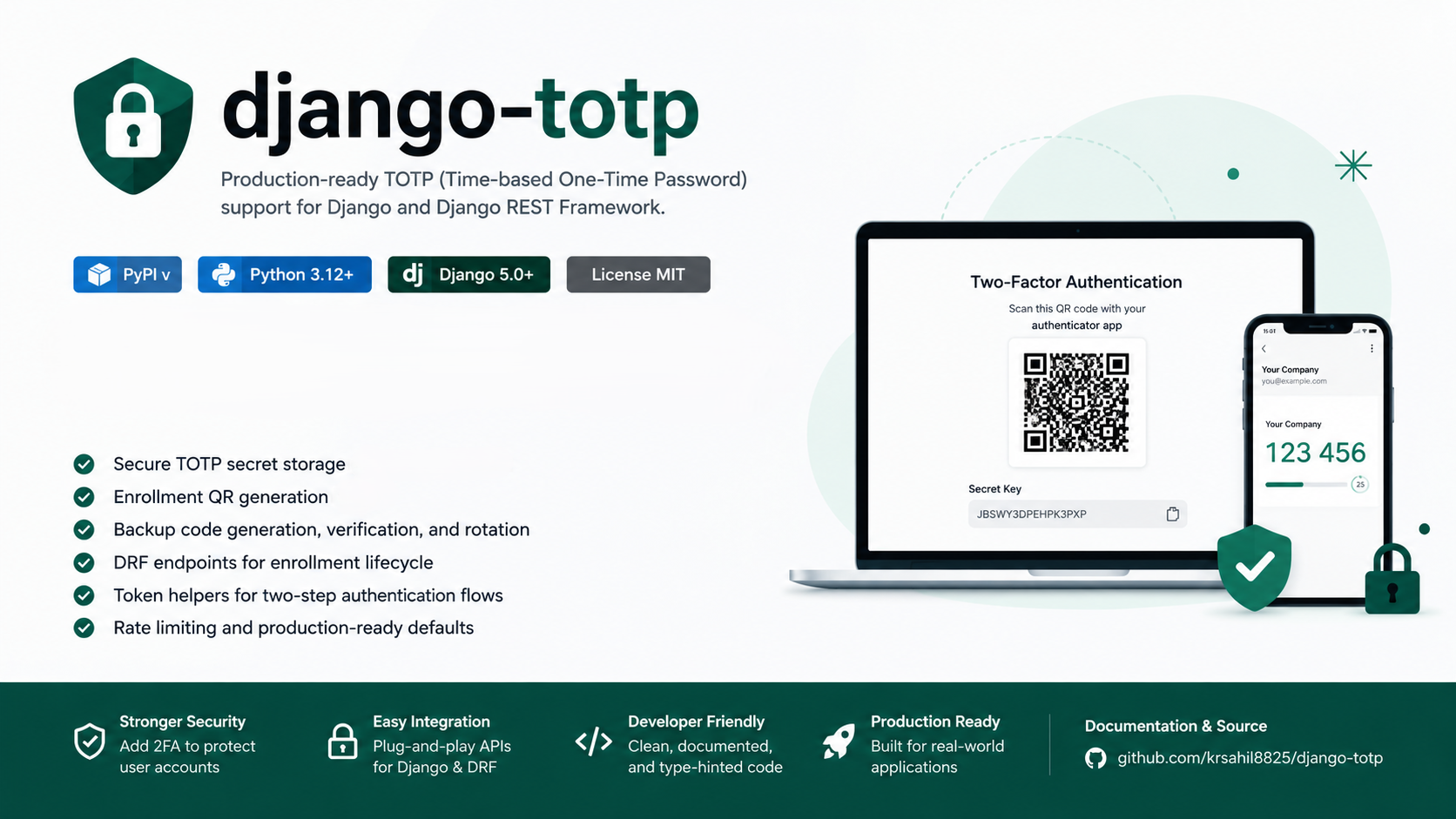
 Featured
Why You Should Add TOTP Two-Factor Authentication to Your Django App
Learn why TOTP-based 2FA is essential for modern Django apps and how django-totp makes it easy to add secure two-factor authentication without building it from scratch.
Passwords alone are no longer enough. Data breaches happen all the time, and when they do, stolen passwords give attackers full access to user accounts. The fix is simple: add a second layer of verification that an attacker can’t steal just by grabbing a password from a leaked database.
That second layer is called two-factor authentication (2FA), and the most widely used standard for it is TOTP - Time-based One-Time Password.
This post explains why you should add TOTP 2FA to your Django app, what makes it the right choice over other methods, and how django-totp makes the whole thing practical to implement.
Visit Docs: https://pypi.org/project/django-totp/ for full documentation and setup instructions.
What Is TOTP and How Does It Work?
TOTP is an open standard (RFC 6238) that generates a new 6-digit code every 30 seconds based on a shared secret and the current time. Both your server and the user’s authenticator app (Google Authenticator, Authy, etc.) independently compute the same code - no network call needed.
When a user logs in:
- They enter their password as usual
- They open their authenticator app and enter the current 6-digit code
- Your server verifies the code matches what it expects right now
- If both match, the user is in
The code expires in 30 seconds and can only be used once. Even if someone intercepts it, it’s useless moments later.
Why Passwords Alone Are Not Enough
Here’s the reality:
- Credential stuffing - Attackers buy leaked username/password lists and try them on every site. If your user reused a password from another breach, their account is compromised.
- Phishing - Users are tricked into entering their password on a fake login page. The attacker immediately logs in with it.
- Weak passwords - No matter how strict your password policy is, users find ways around it.
- Database breaches - If your database is leaked and passwords are hashed weakly (or not at all), attackers can crack them offline.
2FA breaks all of these attack vectors. Even if an attacker has the correct password, they still can’t log in without the current OTP code from the user’s physical device.
Why TOTP Specifically?
There are several 2FA methods out there. Here’s why TOTP is the best choice for most Django apps:
TOTP vs SMS OTP
SMS-based OTPs send a code to the user’s phone via text message. This sounds convenient but has serious problems:
- SIM swapping - Attackers can social-engineer mobile carriers into transferring a victim’s phone number to a SIM they control. At that point, all SMS codes go to the attacker.
- Network interception - SS7, the protocol that powers SMS routing, has well-known vulnerabilities that allow interception.
- Carrier dependency - Your app’s security depends on the reliability and security practices of every mobile carrier your users use.
- Cost - Sending SMS at scale costs money. TOTP is free.
NIST (the US National Institute of Standards and Technology) has explicitly deprecated SMS-based OTP as a security mechanism.
TOTP vs Email OTP
Email OTPs send a code to the user’s inbox. The problem is that email is often the weakest link - if an attacker already has access to someone’s email, they can receive OTP codes too. TOTP doesn’t rely on email at all.
TOTP vs Magic Links
Magic links are convenient for low-risk apps, but they’re still email-dependent and provide no meaningful 2FA since the same compromised email defeats them.
TOTP vs Hardware Keys (FIDO2/WebAuthn)
Hardware keys like YubiKeys are more secure than TOTP, but they require users to own physical hardware and apps to implement a more complex protocol. TOTP works with free apps every smartphone user already has (or can install in 30 seconds).
TOTP is the sweet spot - significantly more secure than passwords alone, works on every smartphone, free to implement, and widely understood by users.
The Cost of Not Having 2FA
Consider what happens when one of your user accounts is compromised:
- SaaS apps - Attacker accesses business data, customer records, or billing information
- E-commerce - Attacker places orders, steals payment methods, or drains store credit
- Admin accounts - A single compromised admin account can mean full database access
- API platforms - Attacker uses the account to abuse your API, run up costs, or exfiltrate data
Account takeover is one of the most common and damaging attack types. Adding TOTP 2FA eliminates the vast majority of these scenarios with minimal user friction.
Why Build It With django-totp?
You could implement TOTP from scratch using pyotp and qrcode directly. But building it properly means handling:
- Generating cryptographically secure TOTP secrets
- Encrypting those secrets before storing them in the database
- Generating scannable QR codes correctly formatted for authenticator apps
- Verifying OTP codes with proper time window tolerance
- Generating, storing (encrypted), and invalidating one-time backup codes
- Building REST API endpoints for enrollment, confirmation, and disabling
- Wiring 2FA into a JWT login flow with challenge tokens
- Rate limiting all of the above to prevent brute force
That’s a significant amount of work - and a significant surface area for bugs. Security code that’s slightly wrong can be far worse than no security at all.
django-totp does all of this correctly, is tested, and is maintained as a dedicated package. You get production-grade 2FA in the time it takes to run pip install.
What django-totp Gives You Out of the Box
Encrypted Storage
TOTP secrets and backup codes are encrypted using Fernet symmetric encryption before being written to the database. Raw secrets are never stored. If your database is breached, the encrypted data is useless without the encryption key.
QR Code Enrollment
Users scan an SVG QR code to add your app to their authenticator. The library generates this server-side - no third-party service, no external dependency.
Backup Codes
Users get a set of one-time recovery codes after enrollment. These are crucial - without them, a user who loses their phone is permanently locked out. Codes are stored encrypted, shown only once, and can be rotated at any time.
Drop-In REST Endpoints
The full enrollment lifecycle is available as DRF views:
- Start enrollment → get QR code
- Confirm with OTP → get backup codes
- Disable 2FA
- Rotate backup codes
2FA-Aware JWT Login
The library ships with a complete JWT authentication flow that handles the 2FA challenge step:
- Login with password → get a short-lived challenge token (if 2FA enabled)
- Submit challenge token + OTP → get real JWT access and refresh tokens
This is exactly how production 2FA login flows are supposed to work.
Rate Limiting
Every TOTP endpoint is throttled by default. Attackers can’t brute-force OTP codes if the server stops responding after a few attempts.
Who Should Use It?
You should add TOTP 2FA if your Django app:
- Handles user accounts with sensitive data (personal info, financial data, health records)
- Has admin or staff accounts that could cause significant damage if compromised
- Provides API access where account takeover would let attackers abuse your infrastructure
- Serves business customers who expect or require 2FA as a security standard
- Is subject to compliance requirements like SOC 2, HIPAA, or GDPR that call for strong authentication
Even for smaller apps, adding 2FA signals to users that you take their security seriously. It builds trust.
Getting Started
pip install django-totpAdd to installed apps, generate an encryption key, include the URLs, and run migrations. Your users can start enrolling immediately.
Full setup takes under 10 minutes.
Final Thought
Passwords are a single point of failure. TOTP 2FA adds a second layer that’s practically impossible to defeat remotely. It’s one of the highest-ROI security improvements you can make to any web application, and django-totp makes it something any Django developer can ship in an afternoon.
If your app handles anything worth protecting, the question isn’t whether to add 2FA - it’s why you haven’t already.