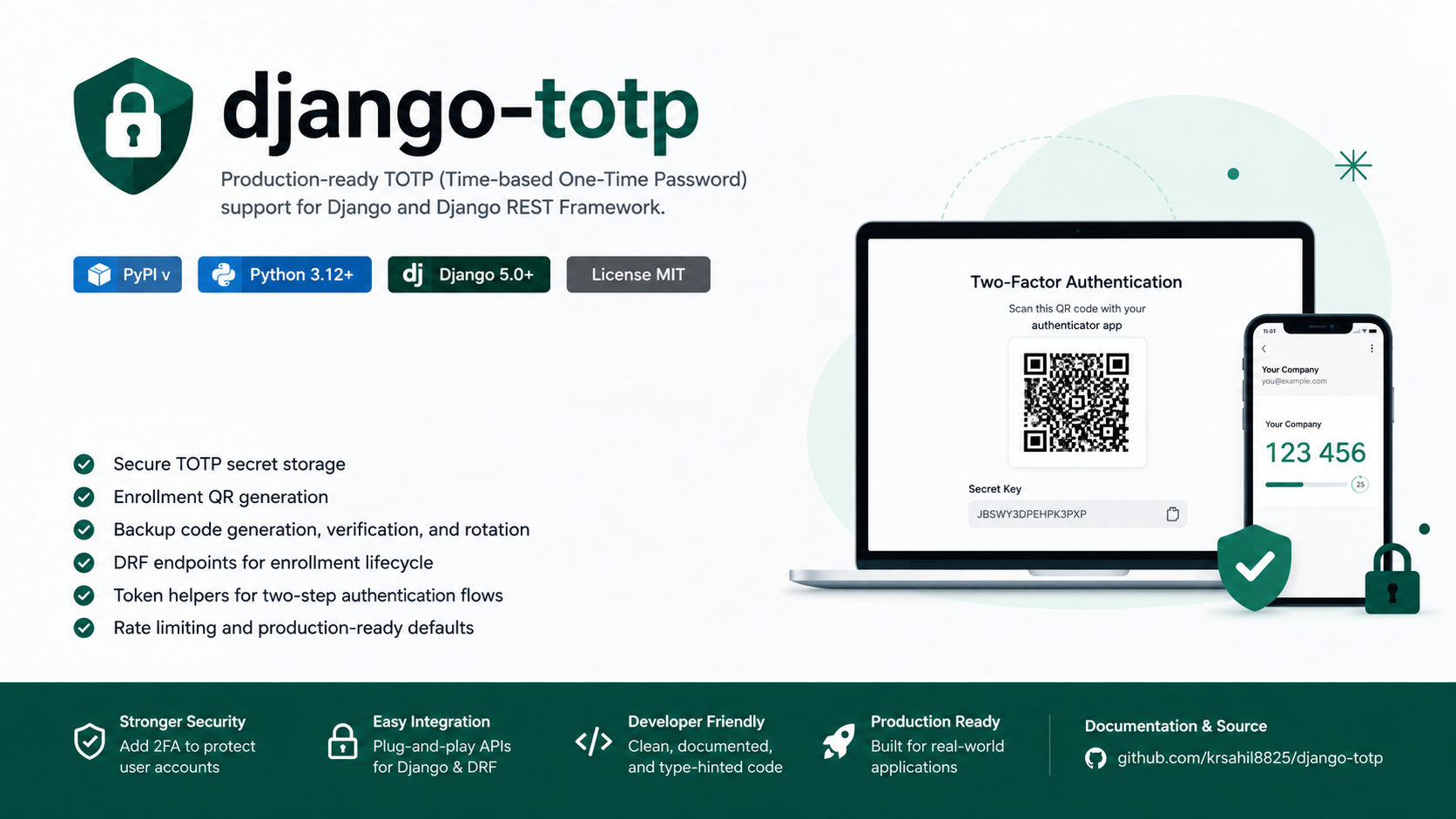
Django TOTP - A Production-Ready 2FA Library for Django and DRF
Production-ready TOTP two-factor authentication for Django and Django REST Framework with encrypted secret storage, QR enrollment, backup codes, and JWT support.
Two-factor authentication (2FA) is one of the most important security layers you can add to any web application. django-totp is a Python library that makes it straightforward to add TOTP-based 2FA to any Django project - without building the hard parts yourself.
TOTP stands for Time-based One-Time Password. It’s the same standard used by apps like Google Authenticator, Authy, and Microsoft Authenticator. Every 30 seconds, the app generates a new 6-digit code that the user must enter alongside their password to log in.
The Problem It Solves
Adding 2FA from scratch involves a lot of moving parts:
- Generating and storing TOTP secrets securely
- Creating QR codes for authenticator apps to scan
- Verifying one-time codes with correct time tolerance
- Managing backup/recovery codes so users don’t get locked out
- Building REST API endpoints for the full enrollment flow
- Integrating 2FA into a JWT-based login system
django-totp handles all of this out of the box, so you can add production-grade 2FA to your project in minutes.
Features
Encrypted Secret Storage
Every user’s TOTP secret is encrypted at rest using Fernet symmetric encryption from the cryptography library. Even if your database is compromised, the secrets cannot be read without the encryption key.
QR Code Generation
When a user starts enrollment, the library returns an SVG QR code that they can scan with any standard authenticator app. No third-party QR service is needed - everything is generated on your server.
Backup Codes
After confirming enrollment, users receive a set of one-time backup recovery codes. These can be used if they ever lose access to their authenticator app. Codes are also stored encrypted, shown only once, and can be rotated at any time.
Ready-Made DRF Endpoints
The library ships with a complete set of Django REST Framework views for the TOTP lifecycle - create, confirm, disable, and rotate backup codes. Just include the URLs and you’re done.
JWT Authentication Integration
Built-in support for a 2FA-aware JWT login flow using djangorestframework-simplejwt. Users log in with their password, receive a short-lived challenge token if 2FA is enabled, then exchange their OTP code for real JWT access and refresh tokens.
Rate Limiting
All TOTP endpoints are protected with DRF throttling to prevent brute-force attacks. The rate is configurable in settings.
How the Login Flow Works
Here’s exactly what happens when a user with 2FA enabled tries to log in:
- User submits username + password to POST /api/jwt/create/
- Server validates credentials
- If 2FA is not enabled → returns access + refresh JWT tokens immediately
- If 2FA is enabled → returns a short-lived “challenge token” instead
- User opens their authenticator app and gets the current 6-digit code
- User submits the challenge token + OTP code to POST /api/jwt/totp/verify/
- Server verifies the OTP → returns final access + refresh JWT tokens
If the user doesn’t have their phone, they can submit a backup code in step 6 instead of the OTP.
API Endpoints
TOTP Management
| Method | Endpoint | What it does |
|---|---|---|
| POST | /api/totp/create/ | Start enrollment, returns QR code SVG |
| POST | /api/totp/confirm/ | Confirm with OTP code, returns backup codes |
| POST | /api/totp/disable/ | Disables 2FA for the user |
| POST | /api/totp/rotate_backup_codes/ | Generates a fresh set of backup codes |
JWT Authentication
| Method | Endpoint | What it does |
|---|---|---|
| POST | /api/jwt/create/ | Login with username + password |
| POST | /api/jwt/totp/verify/ | Verify OTP or backup code, get JWT tokens |
| POST | /api/jwt/refresh/ | Refresh an expired access token |
| POST | /api/jwt/verify/ | Check if a token is still valid |
Installation and Setup
Install from PyPI:
pip install django-totpAdd to your Django settings:
# settings.py
INSTALLED_APPS = [
    "rest_framework",
    "django_totp",
]
Generate an encryption key (do this once and save it securely):
python -c "from django_totp.encryption import generate_fernet_key; print(generate_fernet_key())"Add it to your environment and settings:
# settings.py
import os
TOTP_ENCRYPTION_KEY = os.environ["TOTP_ENCRYPTION_KEY"]
Include the URLs:
# urls.py
urlpatterns = [
    path("api/", include("django_totp.urls")),
    path("api/", include("django_totp.urls.jwt")),  # only if using JWT
]
Run migrations:
python manage.py migrateConfiguration
| Setting | Default | Description |
|---|---|---|
TOTP_ENCRYPTION_KEY | - (required) | Fernet key used to encrypt secrets and backup codes |
TOTP_ISSUER | MyApp | Label shown in the authenticator app |
TOTP_MAX_BACKUP_CODES | 10 | Number of backup codes generated per user |
TOTP_THROTTLE_RATE | 10/minute | Rate limit for all TOTP endpoints |
TOTP_TOKEN_SALT | django-totp-token-salt | Salt for signing challenge tokens |
TOTP_TOKEN_MAX_AGE | 120 | Seconds before a challenge token expires |
Data Models
The library creates two database tables:
Totp - stores one TOTP secret per user
user- one-to-one link to your user modelsecret_key- encrypted TOTP secretcreated_at- enrollment timestamp
BackupCode - stores recovery codes linked to a TOTP record
totp- foreign key toTotpcode- encrypted backup code valueis_used- marks if the code has been consumedcreated_at- generation timestamp
Tech Stack
Language: Python 3.12+
Framework: Django 5.0+, Django REST Framework 3.15+
Encryption: cryptography (Fernet)
OTP Logic: pyotp
QR Codes: qrcode
JWT: djangorestframework-simplejwt